Python · Tkinter · TMDb API

The highest-rated.
Not the most promoted.

Movie Recommender queries TMDb directly and sorts by rating — filtered to titles with real vote counts, paged so you can skip what you've already seen, all in a native desktop app.

Sorted by rating 200+ vote minimum 20 per page No algorithm
Reel 01

Five frames, one app.

01 / 05

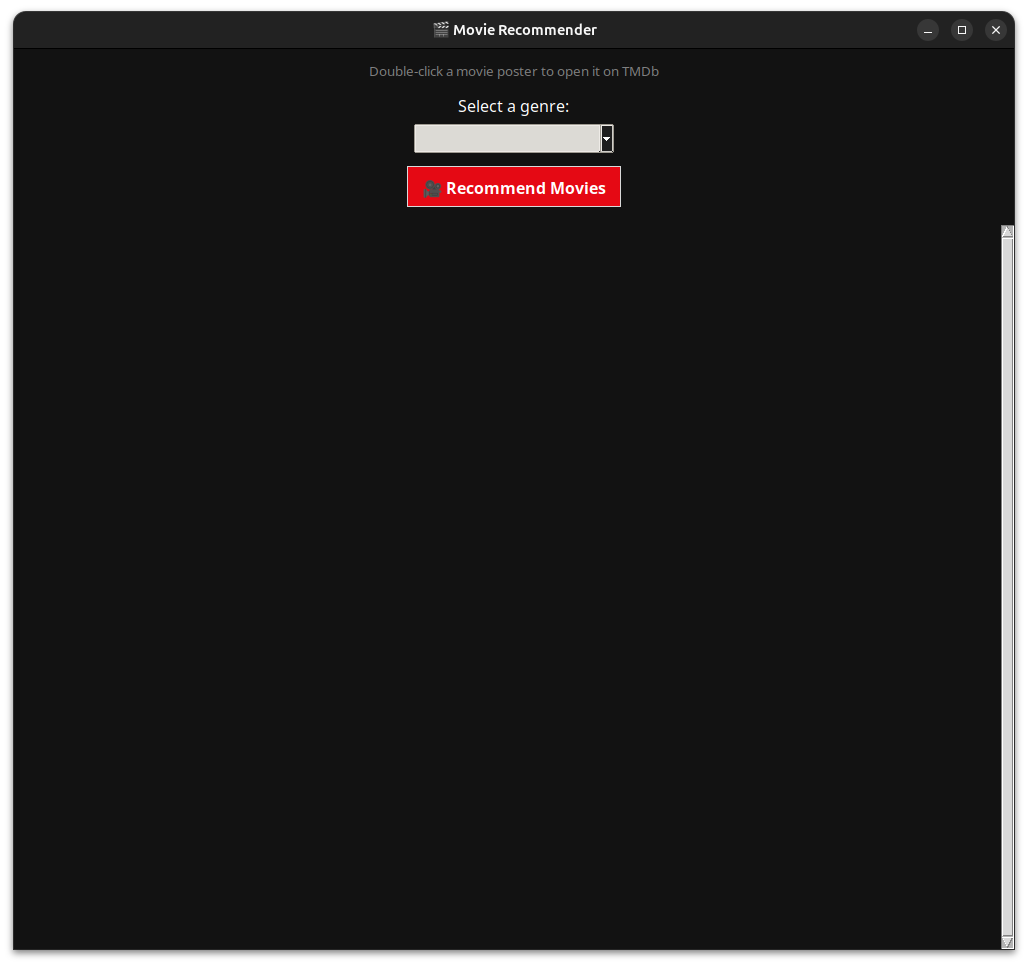
Genre-sorted discovery

Queries TMDb's discover endpoint directly, sorted by rating — highest first, every time.

02 / 05

The grid

A scrollable 5-column poster grid — title, year, and rating for up to 20 films per page.

03 / 05

"Seen these already"

One button loads the next page for the same genre, without losing your place.

04 / 05

One double-click

Double-click any poster to open its TMDb page in your default browser.

05 / 05

No bloat

A custom dark theme built on Tkinter's own ttk widgets — no extra UI framework.

Under the hood

Built plainly, on purpose.

Python 3Tkinter / ttkPillowrequestsTMDb API v3

requirements.txt still lists pandas, which nothing in the app actually imports — about 30MB of dead weight, flagged for removal.

The TMDb key lives as a constant in main.py rather than an environment variable. Fine for personal use — worth changing before you fork and commit it publicly.

Get started

Run it yourself.

01

Clone the repository

git clone https://github.com/mirconegri/MovieRecommender.git
02

Set up the environment

python3 -m venv venv then pip install -r requirements.txt

03

Add your TMDb key

Grab a free key at themoviedb.org (Settings → API) and paste it into the API_KEY constant in main.py.

04

Run it

python3 main.py — pick a genre, and browse.

Built in the open.

Look at the code, open an issue, or fork it for your own genre obsession.